
Homeowners: 3 Safe Checks That Fix Most Blank Thermostat Screens
A blank thermostat screen almost always means the unit lost power, not that it broke. Start with the batteries, then check the HVAC breaker, then look for a tripped condensate float switch or blown low-voltage fuse. These three checks resolve the vast majority of cases in a few minutes. If the screen stays dark after that, or you smell burning or see the breaker trip again, stop troubleshooting and call a licensed HVAC technician.
TL;DR:
- Dead batteries cause roughly half of all blank thermostat screens, making an immediate battery swap the easiest first step, even if the batteries seem fine.
- A tripped HVAC breaker or a blown low-voltage fuse on the control board are common causes that often require resetting the breaker or replacing a fuse inside the furnace.
- Issues like a tripped condensate float switch or a failing transformer usually involve water drainage problems or actual technician repairs, not simple homeowner fixes.
- Some Honeywell Pro-series thermostats with a C-wire need a continuous power supply and will not turn on with batteries alone, which is normal for certain models.
- When basic troubleshooting fails, a licensed HVAC technician should inspect wiring, transformer output, or control-board components, especially if there are burning smells or repeatedly tripping breakers.
Table of Contents
- Why Is My Thermostat Not Turning On? Quick Checklist
- What Causes Deeper Thermostat Display Issues?
- Checking Thermostat Wiring Without Getting Hurt
- When Should You Call a Professional Instead?
- How to Prevent Blank-Screen Problems Going Forward
- What Does Our Team See Most Often?
- What We’d Tell a Friend Facing This
- Get Your Thermostat and HVAC System Checked Right
- Where to Learn More
- Sources
- FAQ
Why Is My Thermostat Not Turning On? Quick Checklist
Work through these steps in order. Each one rules out a cause before you move to the next, which saves you from opening panels or touching wires you don’t need to touch.
- Replace the batteries. Even thermostats with a C-wire backup often run the display off two AA or AAA alkaline batteries. Pop out the old ones, wait a few seconds, and insert fresh cells, positive terminals aligned correctly.
- Check the HVAC breaker. Find the breaker labeled for your furnace or air handler in the electrical panel. If it’s tripped (sitting in the middle instead of fully “on”), switch it fully off, wait three seconds, then switch it back on.
- Confirm the furnace access panel is fully closed. Most furnaces have a blower door safety switch that cuts power the instant the panel is even slightly ajar. A panel that looks closed but isn’t seated correctly will keep the whole system dead.
- Try a minimal reset. For battery-only models, pull the batteries for two full minutes before reinstalling them. For C-wire dependent models, flip the HVAC breaker off for 30 seconds instead. This forces a clean restart the way a Honeywell reset guide recommends for certain Pro-series models.
- Give it a minute. After power is restored, most displays light up within 30 to 60 seconds. Smart thermostats connecting to Wi-Fi can take a bit longer to fully boot and show the home screen.
Pro Tip: Dead batteries are the single most common cause of a blank screen, and they’re also the cheapest fix. Swap them first even if you’re fairly sure the problem is something else. It takes 30 seconds and rules out the easiest explanation before you go hunting for bigger problems.
What Causes Deeper Thermostat Display Issues?
If batteries, the breaker, and the access panel don’t bring the screen back, the cause is usually one of four things: a blown fuse, a tripped float switch, a failing transformer, or a loose connection. Each leaves different clues.
- A blown low-voltage fuse. Furnaces and air handlers carry a small 3A or 5A fuse on the control board that protects the 24VAC circuit powering your thermostat. When it blows, the thermostat goes dark even though the rest of your electrical system is fine. This is a furnace-side fix, not a thermostat-side one.
- A tripped condensate float switch. During cooling season, a clogged condensate drain lets water back up into the pan. The float switch senses that water and cuts power to protect against overflow, and your thermostat goes blank as a result. Standing water near the indoor unit, or an AC that stopped mid-cycle, is the telltale sign of this shutdown.
- A failing transformer. The transformer steps household voltage down to the 24VAC your thermostat runs on. A healthy transformer reads somewhere in the 20 to 30 VAC range at the R and C terminals; a failed one reads zero. This is squarely a technician’s job to test and replace.
- Loose or vibration-disconnected wiring. Furnace blowers vibrate, and over months that vibration can walk a wire loose at the terminal screw. This often causes an intermittent blank screen rather than a constant one, flickering on and off depending on vibration or airflow.
Dead batteries account for roughly half of all simple blank-screen calls, according to field data compiled by thermostat troubleshooting guides, which is why it’s always worth checking first even when you suspect something more serious.
Model behavior matters here too. Some Honeywell Pro-series units, like the T6 Pro, require continuous 24VAC through a C-wire and simply won’t power the display on batteries alone, no matter how fresh they are. If you own one of these and the screen stays dark after a battery swap, that’s expected, not a failure.
Checking Thermostat Wiring Without Getting Hurt
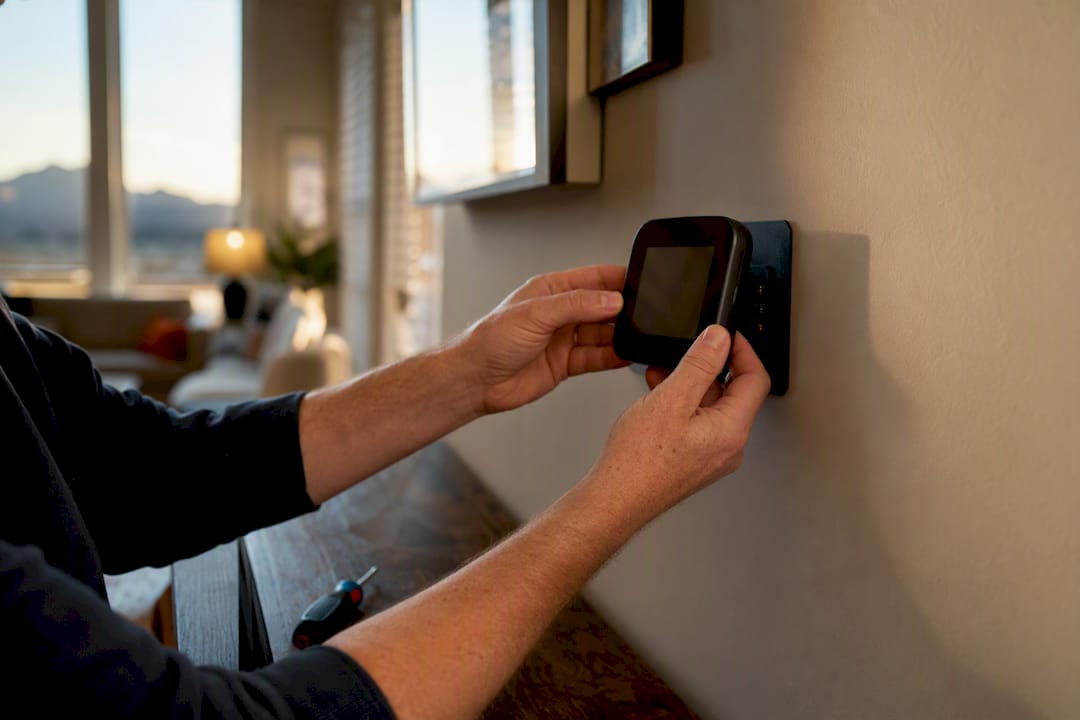
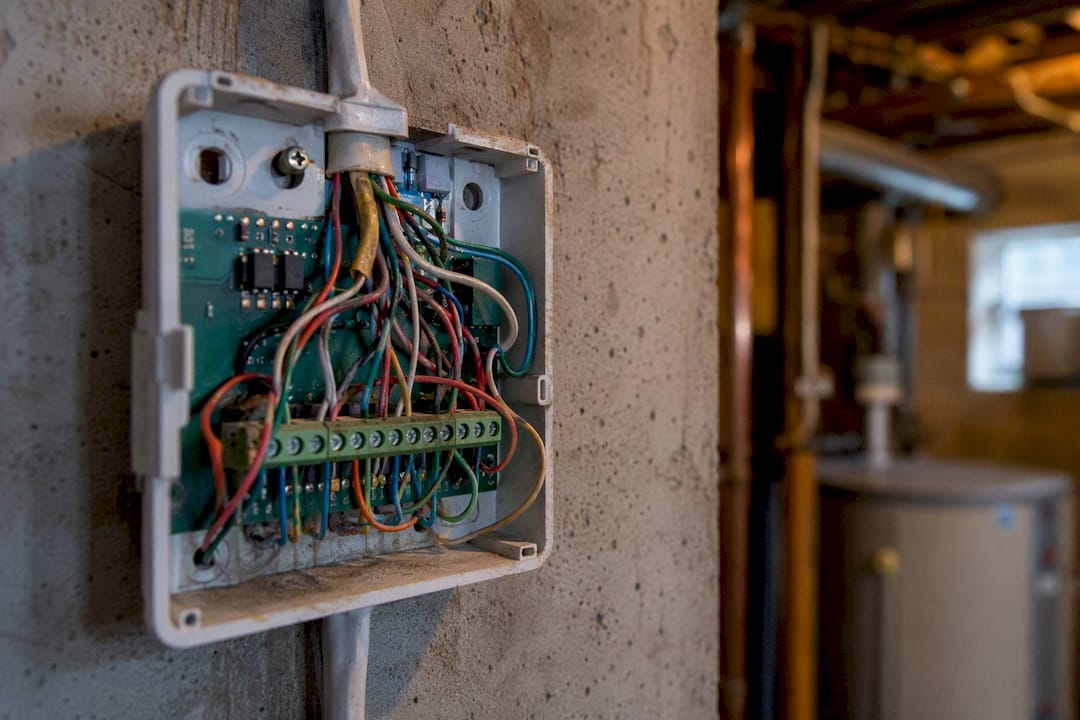
You can safely look at your thermostat’s wiring without touching a multimeter or opening the furnace cabinet. Turn off the HVAC breaker first, always. Then remove the thermostat’s faceplate from its wall plate, which usually just snaps or unscrews, and look at the wire terminals.
- Check that each wire is seated firmly under its terminal screw, not loose or pulled halfway out.
- Look for the R wire (usually red, power) and the C wire (usually blue or black, common) and confirm neither has slipped free or shows visible corrosion.
- Note if any wire looks frayed, chewed, or discolored near the terminal, which can point to a short.
- Reseat the thermostat firmly onto its wall plate. A surprising number of intermittent blanks trace back to a thermostat that wasn’t fully clicked into its base, and pressing it back into place restores contact.
Do not probe live wires with anything, and don’t try to test voltage yourself unless you own a multimeter and know how to use it safely. Testing transformer output, replacing a control-board fuse, or diagnosing a short inside the furnace cabinet is technician territory. Manufacturer guidance is consistent on this point: call a trained professional for anything beyond a visual wiring check, and issues like a stuck blower door safety switch deserve the same careful inspection you’d give any furnace safety component.
Pro Tip: If the screen flickers back to life when you nudge the thermostat body but goes dark again on its own, that’s a strong sign of a loose wire behind the wall plate rather than a dead unit. Mention that detail to your technician; it saves diagnostic time.
When Should You Call a Professional Instead?
Some symptoms mean it’s time to stop troubleshooting and pick up the phone. Watch for these red flags:
- A burning smell near the thermostat, furnace, or electrical panel.
- A breaker that trips again immediately after you reset it.
- A blank screen that persists after batteries, breaker reset, and panel check.
- Visible water in or around the condensate pan.
A licensed technician will typically test transformer voltage at the R and C terminals, inspect or replace the low-voltage fuse, check the control board and wiring for damage, and clear the condensate drain or replace a failed float switch if that’s the culprit. Most of this diagnostic work takes under an hour once a tech is on-site with the right tools.
An electrician, rather than an HVAC tech, is the right call specifically when the problem traces back to the breaker panel itself, a breaker that keeps tripping across multiple circuits, or a 240V supply issue feeding your system. Your HVAC company can usually tell the difference during the first few minutes of diagnosis and point you the right direction.
How to Prevent Blank-Screen Problems Going Forward
A little routine maintenance keeps this from becoming a repeat headache. None of it takes more than a few minutes a season.
- Replace thermostat batteries on a schedule, roughly once a year, rather than waiting for a dead screen to remind you.
- Clear the condensate drain line and check the pan for standing water at the start of cooling season, before a clog turns into a float-switch shutdown.
- Change your HVAC filters on schedule. A clogged filter restricts airflow and can push the furnace into overheating, which trips high-limit switches that cut power right along with your thermostat.
- If you’re due for an upgrade, look at smart thermostat options with a clear low-power indicator on the display, and confirm whether the model needs a C-wire before you buy, since not every home is wired for one.
Pro Tip: Write the battery-swap date on a sticky note inside the thermostat cover. It sounds low-tech, but it’s the single easiest way to stop guessing whether “it’s probably the batteries” six months from now.
What Does Our Team See Most Often?
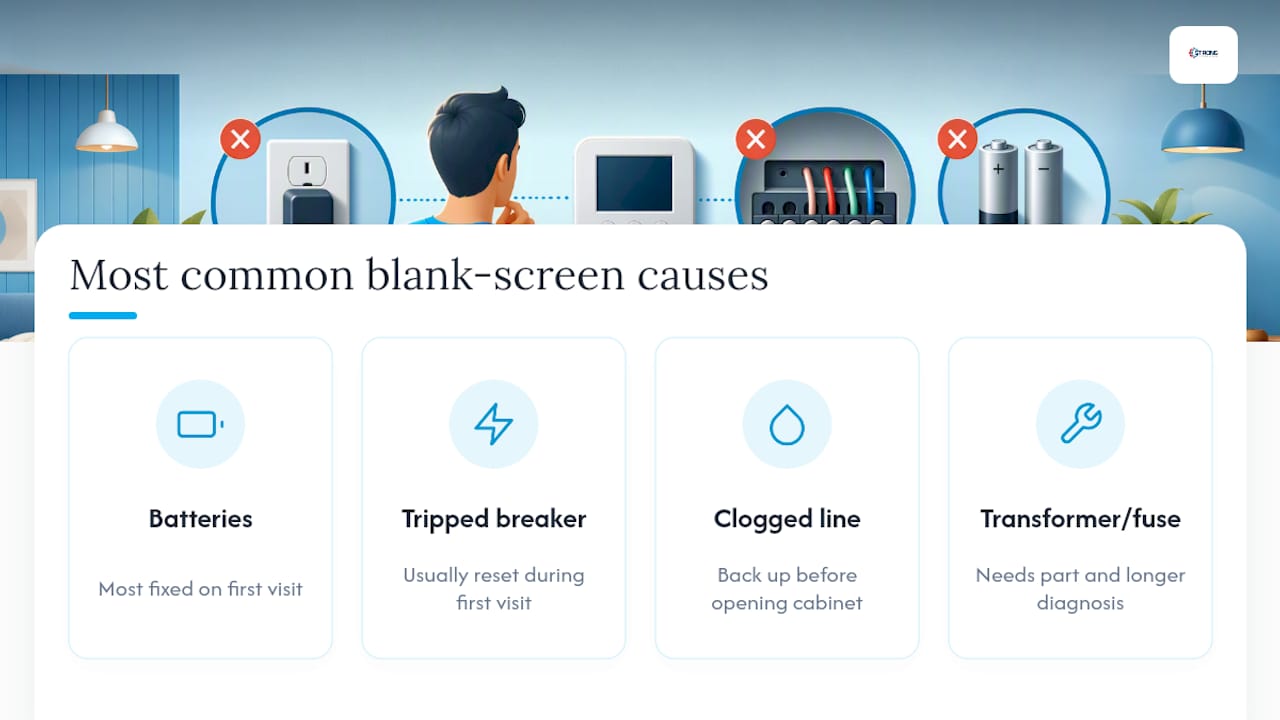
Strong Heating And Cooling’s technicians carry over 40 years of combined field experience across Colorado Springs, and blank-screen calls follow a pattern. Most first-visit fixes are batteries, a tripped breaker, or a clogged condensate line, and the system is back up before the tech even opens the furnace cabinet. The tougher calls involve a failed transformer or a blown control-board fuse, both of which need a part on hand and a bit more time to diagnose properly.
What We’d Tell a Friend Facing This
Work the checklist in order. Skipping straight to “call someone” over a dead battery wastes a service call, but skipping past a burning smell to keep troubleshooting wastes something more valuable. This is one of the most common HVAC complaints we hear, and in most homes it’s fixed in minutes, not hours.
— Owner
Get Your Thermostat and HVAC System Checked Right
Strong Heating And Cooling gets your thermostat working again without the guesswork of ordering parts online and hoping they fix the actual problem. When basic checks don’t restore your display, our technicians diagnose the real cause on-site: transformer voltage, control-board fuses, wiring condition, or a clogged condensate line, and fix it the same visit whenever the part is on the truck.

Our diagnostic visits typically run under an hour once we’re on-site, and we carry the common replacement parts, low-voltage fuses, float switches, transformers, so most repairs finish in a single trip. If the issue traces back to a clogged drain or failed float switch, our cooling services team clears it and checks the whole condensate system while we’re there. If your thermostat itself is the weak link, especially an older unit without C-wire support, we’ll walk you through smart thermostat and control installation options that fit your system and budget. Schedule a diagnostic visit today and get your display, and your HVAC control, back where it belongs.
Where to Learn More
For manufacturer-specific reset steps and safety guidance, Trane’s troubleshooting resource covers common causes in detail, and Energy explains power requirements for smart models. Check your specific model’s manual for battery versus C-wire behavior before assuming a fix applies to your unit.
Sources
- Thermostat Not Working: Causes and Solutions - Trane®
- Thermostat Blank Troubleshooting (August 2026)
- Honeywell Thermostat Blank Screen: 5 Fixes That Work
- How to Fix a Blank Thermostat: Quick and Easy Solutions - ThermostatNeed
FAQ
Why is my thermostat not showing a display?
A blank display almost always means the thermostat lost power, whether from dead batteries, a tripped breaker, a blown low-voltage fuse, or a tripped condensate float switch. Working through those causes in order resolves most cases without a service call.
Why is the screen off on my thermostat?
The screen going off usually points to a power interruption rather than a broken unit, most commonly dead batteries or a breaker that tripped. Check both first before assuming anything more serious is wrong.
What would make a thermostat go blank?
The five most common culprits are dead batteries, a tripped HVAC breaker, a blown 3A or 5A low-voltage fuse, a tripped condensate float switch, or a loose wire at the terminal. A failing transformer is less common but shows up when none of those checks fix it.
Why is my Honeywell thermostat screen blank?
Some Honeywell Pro-series models, including the T6 Pro, require a continuous C-wire connection and won’t power the display on batteries alone, so a battery swap that doesn’t help isn’t necessarily a bad sign. If your model does support batteries and a fresh set doesn’t work, move on to the breaker and condensate checks.
How long does it take to fix a blank thermostat screen?
Most simple cases like battery replacements, breaker resets, or ensuring a closed access panel are resolved quickly at home. Issues requiring a technician, like a transformer replacement or control-board fuse, typically get diagnosed in under an hour once a professional is on-site.
Recommended
Need expert HVAC help?
Colorado Springs' trusted, veteran-owned heating & cooling team — same-day service.